Choosing a Smart Galaxy Projector Factory for Connected Home Products
 FACEBOOK
 TWITTER
 LINKEDIN
A smart galaxy projector in addition to being a decorative light is additionally wirelessly controlled, offers audio and home-automation functions. This adds value to the user, but also adds a number of potential failure points that a traditional remote-controlled projector doesn’t have.
Great projection effects are just the first step for smart-home brands, importers and online retailers. Simple set-up, reliable APP control and responsive voice commands and predictable behavior when the network changes are also all expected by customers.
An effective smart galaxy projector manufacturer should be able to test the whole experience, update the firmware as well as duplicate the accepted configuration for repeat orders.
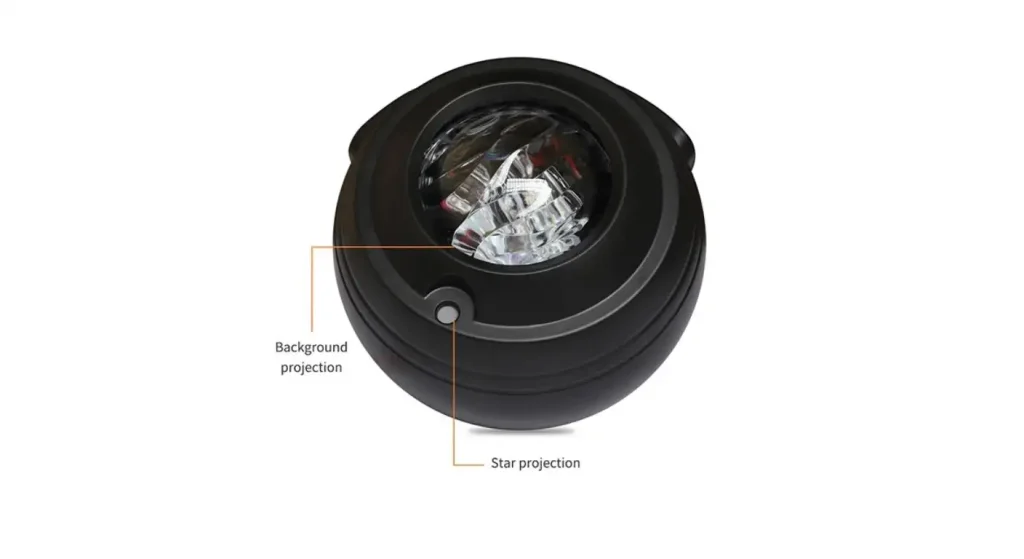
Identify What “Smart” is for the Product
The term “smart” can refer to a number of different functions. Some projectors support only Bluetooth, and others can be connected via WiFi and allow for mobile apps, schedules and voice control.
The necessary control methods should be stated before choosing a model. These can be physical buttons, remote control, Bluetooth, WiFi, APP, voice control and smart-home platform control.
BoelangMake indoor Galaxy PROJECTOR has different connectivity options. Comparing platforms allows buyers to prevent overspending on features they don’t think their customers need.
Maps each user action to a specific time in the video.
APP and voice control may be included in a specification sheet without any description of what they can actually control. Actions like power, colour, brightness, rotation speed, laser strength and timer/music synchronisation should be mapped by the buyer.
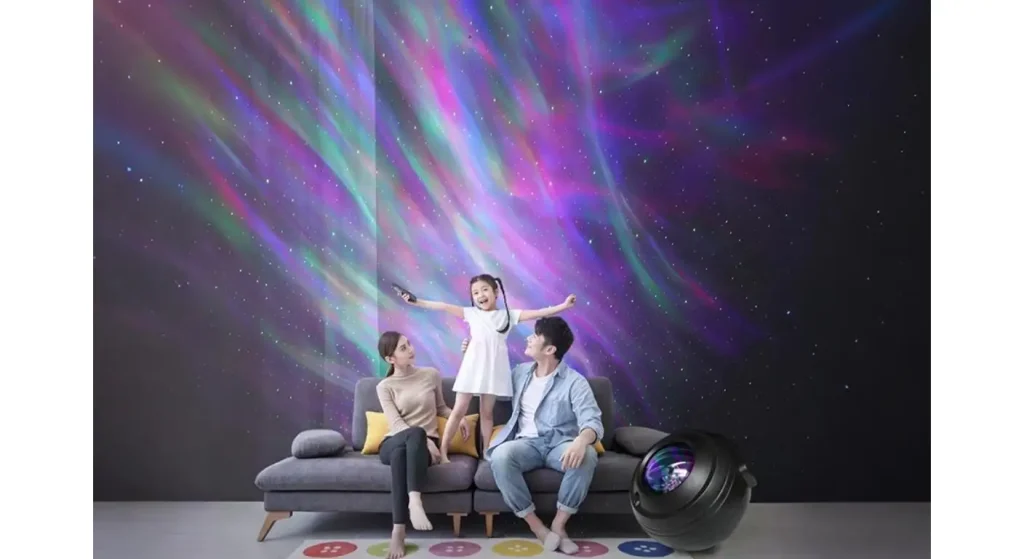
Physical controls must have the capability of continuing the necessary functions in the event of loss of the phone or network. Also the expected response should be the same for remote and APP commands.
This control map is then useful during the testing of the sample, manual writing and after-sales troubleshooting. It also helps to make sure that the features that are marketed are not left out in the final firmware.
| User Action | Physical Button | Remote | APP | Voice Control |
| Power on/off | Required | Required | Required | Recommended |
| Change scene | Basic | Required | Required | Optional |
| Adjust brightness | Basic | Required | Required | Recommended |
| Set timer | Optional | Required | Required | Optional |
| Reset connection | Required | Not needed | Guided process | Not applicable |
Allows the user to test the First-Time Connection Experience.
A large number of smart-product returns start during set up. Use a new user account, a newly installed APP and a typical home router instead of an already configured engineering device to test the projector.
Write down the number of steps it takes to connect up the projector. Determine if the APP provides clear information about network expectations, permissions, indicator lights and reset.
Try out wrong passwords, lost temp signal and re-pairing. A customer should be able to reset the product and connect it without having to contact technical support.
BL-XK09-IV Smart Galaxy Projector has APP, remote and voice control, which is a good platform for testing the cooperation of the various control methods.
Check Voice & Smart-Home compatibility.
A logo or compatibility statement is not an indication that all commands are reliable. Actually test the functions provided by each platform supported.
The BL-XK09-IV product information states that it supports Amazon Alexa, Google Assistant and Samsung SmartThings. Buyers should confirm the regions, language, types of command and account linking procedures of the final market.
Test response time and accuracy of commands as well. Disclaim any implied control over all lighting functions if only on/off control can be provided through a platform.
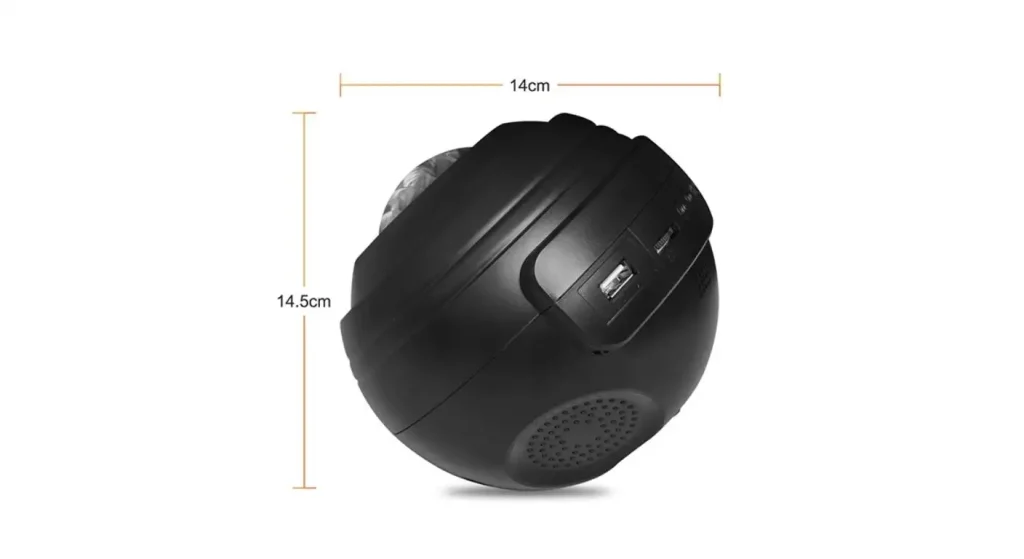
Look at Offline and Power-Recovery Behavior
Smart projectors need to be functional offline, as well as online. Check if physical buttons and the remote are still able to function essential lighting functions.
When the projector is operating, power down the router and see what happens. Re-establish the connection and see if the device re-connects.
Power recovery also is key. Buyers should specify whether the projector is to stay off when the power is interrupted, restore the last scene or set to default mode. Some of the things that a computer does when it starts up can interrupt a bedroom.
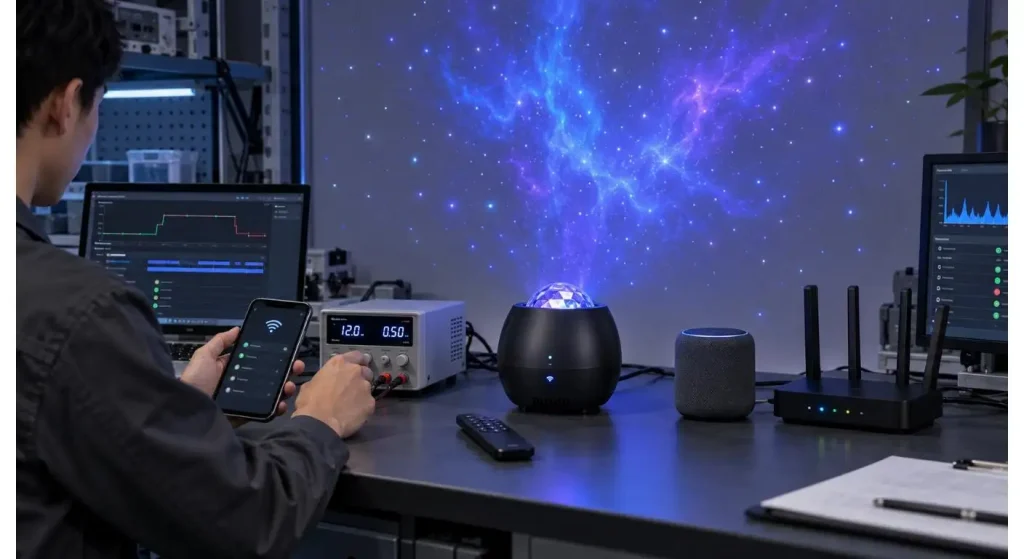
Compare Projection and Smart Functions.
Smart functions must not be used to lessen the basic projection experience. Test color, galaxy motion, star-point distribution, brightness level and wireless operation noise and heat.
Music should play out in sync without too much lag. Bluetooth audio should be evaluated for connection stability, volume and sound distortion.
A projector can function well during the lighting test and the connectivity test, but not when both functions are used concurrently. Perform combined use tests with some realistic evening usage.
Discuss ownership and maintenance of APPs.
An APP is not an accessory of a single use. After the product has been sold, the user’s experience may be impacted by operating-system updates, changes in cloud services, and changes to the smart-home platform.
Inquire about ownership and upkeep of the APP, who does the updates and how long the platform will be available. Check if OEM buyers have a common APP or if they can opt for branded APPs.
Understand how bugs are reported, approved for updates, and if firmware is updateable remotely. The responsibilities should be clearly defined prior to the launch of the product.
Take the time to read through Data and Permission Requirements.
The APP can access: Location, Bluetooth, local network, microphone, account information. Users should be aware of the buyer’s rationale behind the need for each permission and how they are communicated to users.
Ask for the latest privacy policy and APP-store info. Determine if there is a provision for account deletion, if there is a password recovery option and if regional data requirements are met.
Don’t make claims of privacy that the supplier cannot substantiate. Smart-product compliance: along with electrical and laser safety, software communication.
When choosing to use hardware or software version control, confirm that the version control is set up correctly.
Pairing and voice commands and APP functionality may change if changes are made to the WiFi module, control board or firmware. These parts should therefore be part of the product configuration approved.
Demand that the factory document the version of the hardware/firmware on the sample and production records. Any changes in the proposed substitute should be tried out before approving.
That’s not the only lighting format that can use connected controls, as BoelangMake also has a smart WiFi projection bulb. For each product platform, buyers are still required to check the version control independently.
| Controlled Item | Record Required | Risk Prevented |
| WiFi/Bluetooth module | Model and supplier | Pairing changes |
| Control board | Hardware revision | Function differences |
| Firmware | Version number | Changed device behavior |
| Mobile APP | Name and release version | Interface inconsistency |
| Voice integration | Platform and command list | Unsupported claims |
Create Connected-Product Test Plan
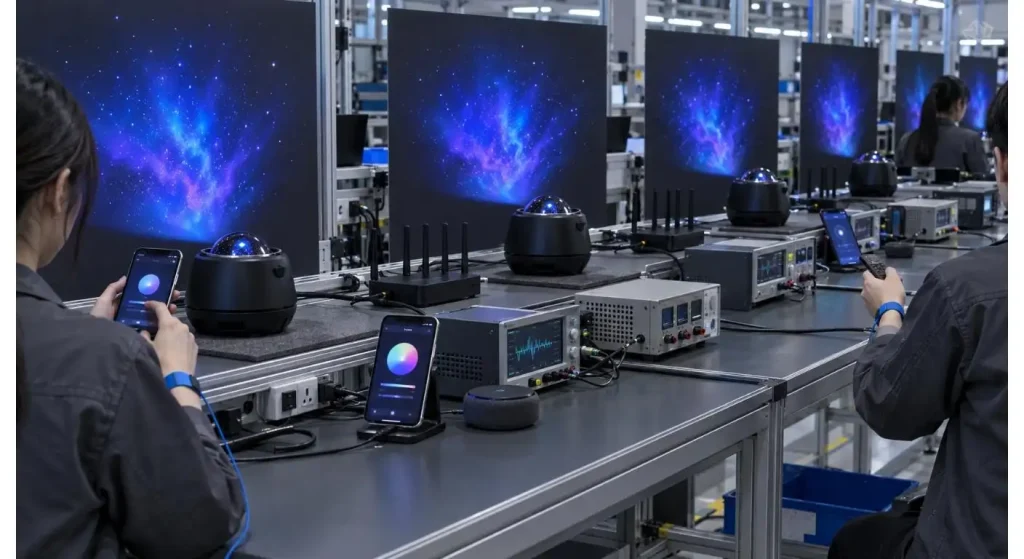
Production test should test more than turn on of the lights. Should include wireless pairing, APP commands, remote functions, audio, timers, projection output and reset behavior.
Test units from various stages of production or cartons rather than a single sample. If you are placing a large order, agree on the number of samples to be taken and the criteria for sample acceptance prior to production.
Keep sample(s) approved and screen recordings of important APP functions. These records are helpful for future firmware and repeat order performance comparisons.
Before you launch, plan out Customer Support.
It’s crucial to indicate on product pages and manuals the compatibility of routers, APP name, how to set up, and reset instructions. Brief videos can help decrease customer confusion and return.
Be ready for problems like pairing failure, password changes with WiFi, no voice devices found, delay in command execution and lost remote control.
Technical explanation should be made by the factory, but it’s the selling brand’s responsibility to communicate with customers. Content should be checked for support prior to inventory going to market.
Assess the Factory’s LTC (Long-Term Capability)
The optical, electronic, firmware and production teams must coordinate with each other in a reliable smart galaxy projector factory. It should also have the ability to track versions and follow-up with connected-product complaints.
We have an in-house R&D team and over five automated production lines. Buyers can take a look at its Company Profile and then ask for the details related to their smart-projector programme.
Buyers can fill in their target-market, connectivity, branding and order requirements via the BoelangMake contact page for a configuration based quotation.
Conclusion
In the selection of smart galaxy projector factory, it is necessary to try the entire process of putting on to daily control and network restoration. Only the quality of the projection can determine if a connected product is consumer ready.
Provide a definition for each control function, test it online and offline and freeze hardware and software versions before production. This lowers launch risk and enhances the consistency for repeat orders.
FAQs
Q1. Is WiFi needed for a smart galaxy projector?
APP cloud functions and voice assistants in general require WiFi. At all times, there should be a basic operation using physical buttons or remote control in case of no WiFi.
Q2. What should the buyers test in the APP?
Testing Pairing, Colors, Brightness, Movement, Timer, Reset, and Reconnection. Check permissions, language quality and account-management functions also.
Q3. Are there any smart projectors that support Alexa and Google Assistant?
Some models can be used on both platforms, but there may be some commands that are not available in both. Compatibility should be performed on the target area and in the target language.
Q4. Why is it important to keep track of firmware versions?
Connectivity and product behavior are controlled by firmware. The version is recorded to avoid any modifications that are not approved and for troubleshooting post launch.
Q5. Is it possible for the APP to have a buyer’s brand?
But that is usually possible, a branded APP will typically need more investment and maintenance. The Buyers are to make an understanding with regard to cost, ownership and update responsibility.