How To Sync Music Mode: Remote Control Aurora Projector Explain
 FACEBOOK
 TWITTER
 LINKEDIN
Users often buy an aurora projector for the visuals, especially for a Remote Control Starry Projector—then quickly realize the real magic starts when Music Mode is synced correctly. Bolang designed the BL-XK04 Plus Northern Galaxy Light Aurora Projector to make that experience simple for beginners, while still giving you enough control to shape the room’s mood like a lighting designer.
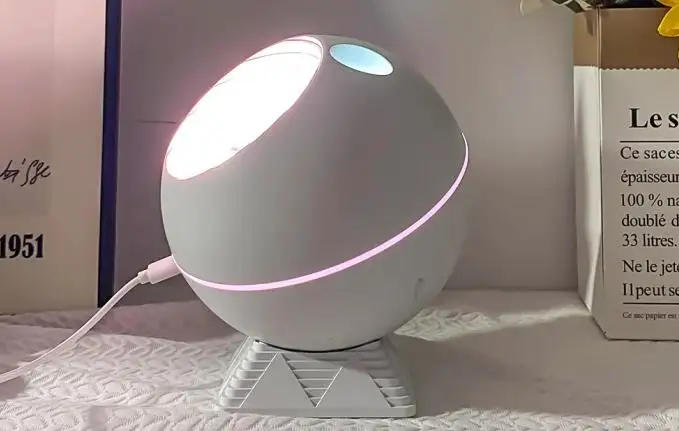
Understand What “Music Mode Sync“ Is
Music Mode is not just “lights flashing randomly.” On the BL-XK04 Plus, it is a rhythm response system that listens to sound and triggers changes in movement and light intensity so the projection feels alive. When the beat rises, the aurora flow becomes more energetic. When the sound softens, the lighting relaxes into a calmer cadence.
This matters because most people use a Remote Control Starry Projector in real situations: bedtime routines, meditation, content creation, small gatherings, or a focused workspace. Sync helps the room feel intentional instead of distracting.
In simple terms, syncing Music Mode is a two-step idea:
✓ Get audio into the projector (Bluetooth or USB playback)
✓ Activate sound response so the lights pulse to real rhythm, not random patterns
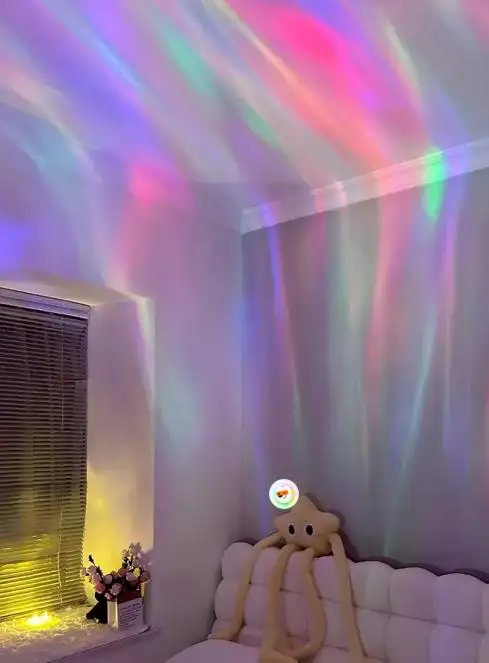
Set Up Your Audio Source First: Bluetooth or USB
To sync cleanly, start by choosing the most stable audio path for your space. Bolang built in a speaker with Bluetooth 5.0, which helps reduce dropouts and keeps the connection consistent across normal indoor distances. You can also use USB playback if you want a plug-and-play music source without relying on wireless signals.
Here is a beginner-friendly setup flow that works well in most rooms:
✓ Power on the projector and keep it on a flat surface (nightstand, shelf, desk)
✓ Pair your phone to the projector via Bluetooth 5.0 for streaming
✓ Or insert a USB drive if you prefer direct playback
If your goal is tight rhythm syncing, keep your music volume at a moderate level. Too low, and sound activation may not detect beats clearly. Too high, and the response can feel overly aggressive in small rooms. A balanced volume gives your Remote Control Starry Projector a clean “signal” to follow.
Sync Music Mode With the Remote Control Step By Step
Once audio is playing, the remote becomes your control center. The BL-XK04 Plus is designed for “remote-first” use so you can adjust the atmosphere without walking up to the unit—especially useful at night or during a party setup.
A practical step sequence:
✓ Start music playback (Bluetooth or USB)
✓ Turn on Sound-Activated mode so the projector reacts to rhythm
✓ Adjust brightness so the pulsing looks smooth, not harsh
✓ Choose a color palette that fits your room (greens, blues, purples for aurora realism)
Because the projector supports 10+ colors, you can match the visuals to the genre or mood. For example, softer tones work well for sleep wind-down, while vibrant auroras feel better for social settings. The goal is not maximum intensity—it is a projection that feels natural and consistent.
Tune the Visual Flow: Speed, Brightness, Direction, and Angle
After Music Mode is working, the next step is to make the visual motion feel “designed.” This is where many first-time users stop too early. Bolang gives you full control over lighting speed, brightness, and direction, plus the ability to adjust the projection angle. These controls are what turn a cool gadget into a reliable environment tool.
For a calmer, more premium look:
✓ Lower rotation and transition speed
✓ Reduce brightness slightly to soften the ceiling wash
✓ Set direction so the aurora “drifts” rather than spins quickly
✓ Aim the projection to cover the ceiling evenly, not only one corner
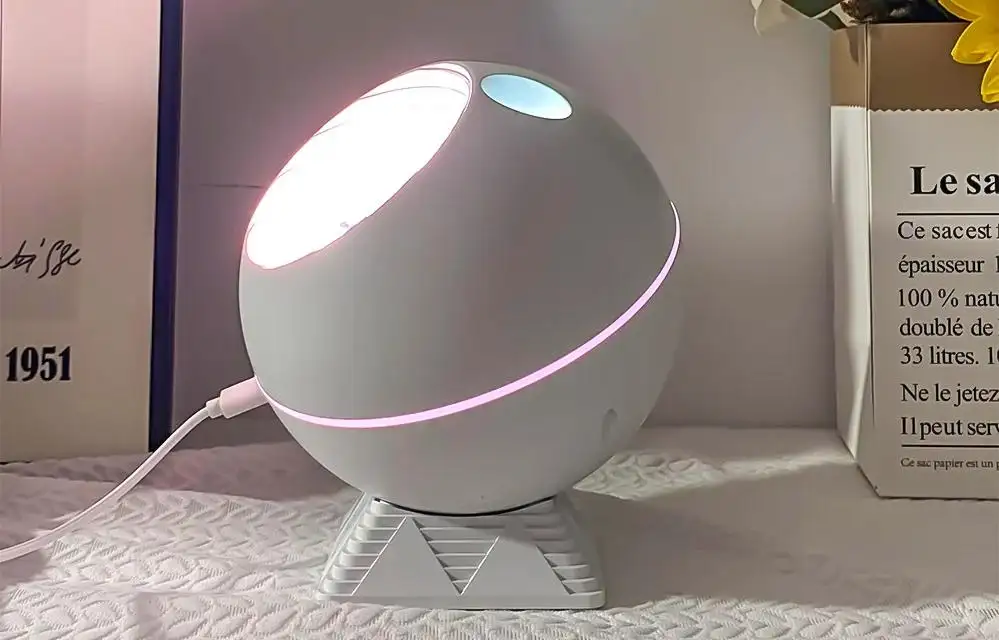
The BL-XK04 Plus uses calibrated optical elements that layer colors smoothly to avoid harsh edges. That matters in Music Mode because the pulsing should feel like a gentle breathing effect, not sharp flickers. When tuned correctly, your Remote Control Starry Projector becomes suitable for relaxation, meditation, and night routines—not only parties.
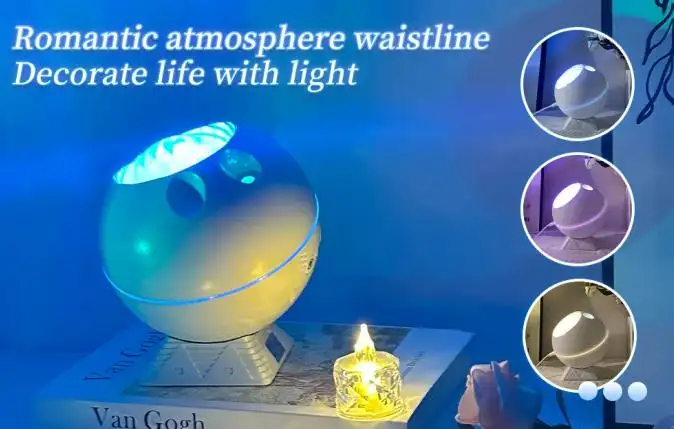
Use Timer and Quiet Operation for Real-Life Routines
A projector can look impressive, but it only becomes a daily-use product when it fits real routines. That is why the BL-XK04 Plus includes timer functions for automatic shut-off. If you use the projector for bedtime, a timer prevents the room from staying bright all night and helps you build a consistent sleep cue.
Equally important is sound and mechanical comfort. The projector is designed to stay whisper-quiet during rotation and color shifts, so it does not compete with your music or interrupt rest. Bolang also uses a smooth matte shell and a low-profile body, so it blends into modern decor instead of looking like a toy.
Practical routine examples:
✓ Bedtime: warm aurora palette + low brightness + timer
✓ Meditation: slow ambient fade + minimal movement + quiet background music
✓ Creative space: moderate brightness + rolling gradients + Music Mode for rhythm energy
These small choices are what make a Remote Control Starry Projector feel “professional” in a home setting.
CTA: Get a Stable Music Sync Setup With BL-XK04 Plus
If you want Music Mode that actually feels synchronized—not messy—start with a projector built for controllable visual flow and stable audio. The Bolang BL-XK04 Plus Northern Galaxy Light Aurora Projector combines aurora motion, a laser star effect, 10+ color options, Bluetooth 5.0 streaming, USB playback, timer control, and sound-activated rhythm response in one compact unit.
✓ Planning an OEM/ODM program, bulk order, or retail-ready packaging?
✓ Need a Remote Control Starry Projector that is easy for beginners but still adjustable for advanced users?
Message Bolang with your target market, required functions (Music Mode, timer, Bluetooth/USB), and preferred color effects. We will recommend a stable configuration and help you build a product listing that matches how customers really use aurora projectors—at night, in real rooms, with real music.